
No: 1764087853938
Delivery
Created: 18 min. ago
5 BrowniesVANX Universo POS
Manage stores, events, pop-ups, service areas, online orders, payments, inventory, and kitchen operations from one connected platform built for modern businesses.
Built for food businesses, events, retail locations, and QR-powered ordering.
Why Universo POS
Universo POS connects the physical and digital sides of your business, allowing your team to manage where you sell, how customers order, how payments are collected, and how every order moves through fulfillment.
Manage physical stores, temporary events, pop-ups, fairs, food stands, and other selling locations from one centralized platform.
Generate QR codes for tables, bars, VIP areas, terraces, and other sections so customers can browse, order, and pay from their phones.
Receive paid orders in real time and move them through New, Preparing, Ready, and Delivered statuses.
Process online credit card payments and create payment links for future or scheduled orders.
Validate stock before every sale, prevent unavailable products from being sold, and alert the team when inventory is running low.
Use products, categories, customers, and vendors from the VANX Universo ecosystem without duplicating information.
Locations
Every location can be configured according to how that business operates, whether it is a permanent store, a weekend event, a festival stand, or a temporary pop-up.
Self-service ordering
Create sections inside each location and automatically generate a QR code that takes customers directly to the correct store, menu, and ordering experience.
| Name | Event | Description | Details |
|---|---|---|---|
| Main Counter | Pizzeria Fresh Pizza | Primary service point for walk-in orders and customer assistance. | |
| Pickup Area | Pizzeria Fresh Pizza | Designated area where customers collect completed orders. | |
| Table 1 | Pizzeria Fresh Pizza | Customer seating area for dine-in ordering and service. | |
| Table 2 | Pizzeria Fresh Pizza | Additional dine-in table for customer orders and service. | |
| Terrace | Pizzeria Fresh Pizza | Outdoor seating area for dine-in customers and table service. |
POS Master Events
Pizza Napolitana
Traditional Neapolitan-style pizza featuring San Marzano tomatoes.
$10.00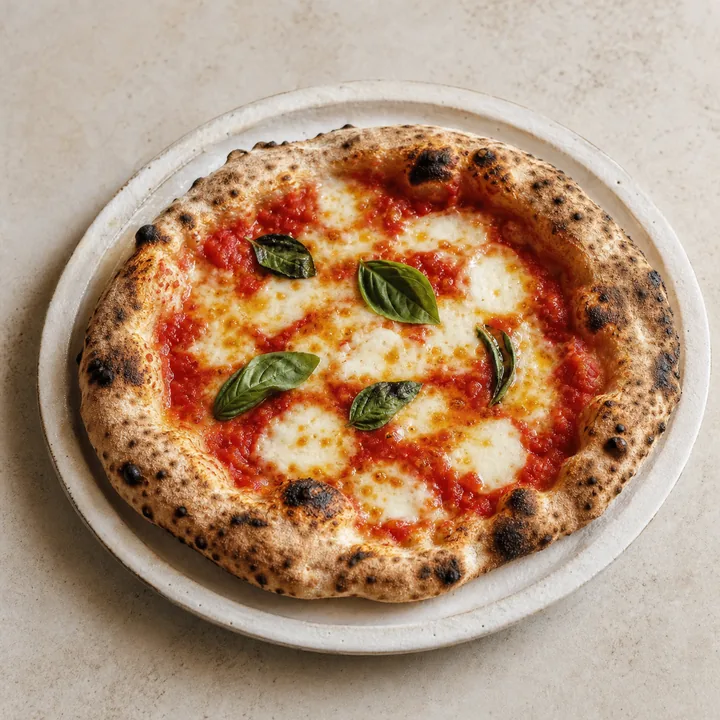
Pizza Margherita
A timeless Italian classic topped with fresh mozzarella and basil.
$12.00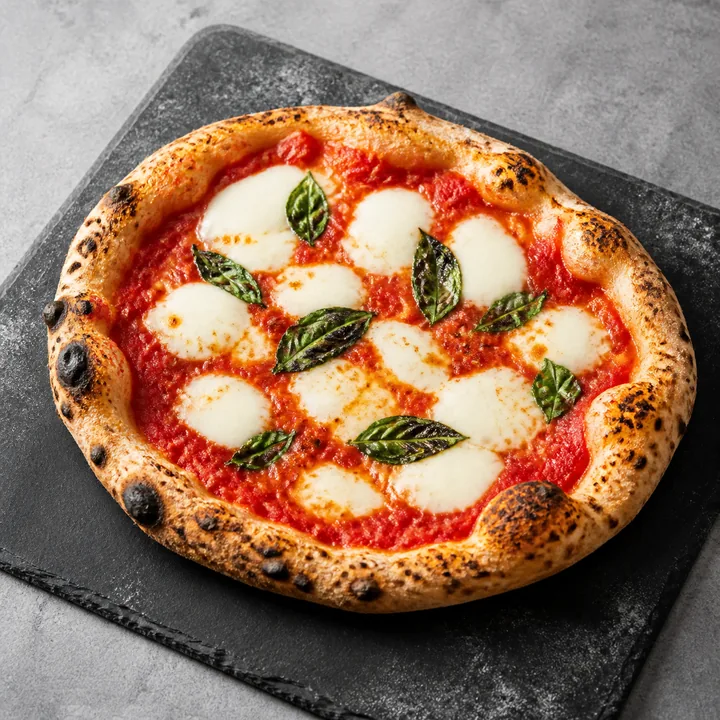
Pepperoni Pizza
A customer favorite loaded with premium mozzarella cheese and pepperoni.
$20.00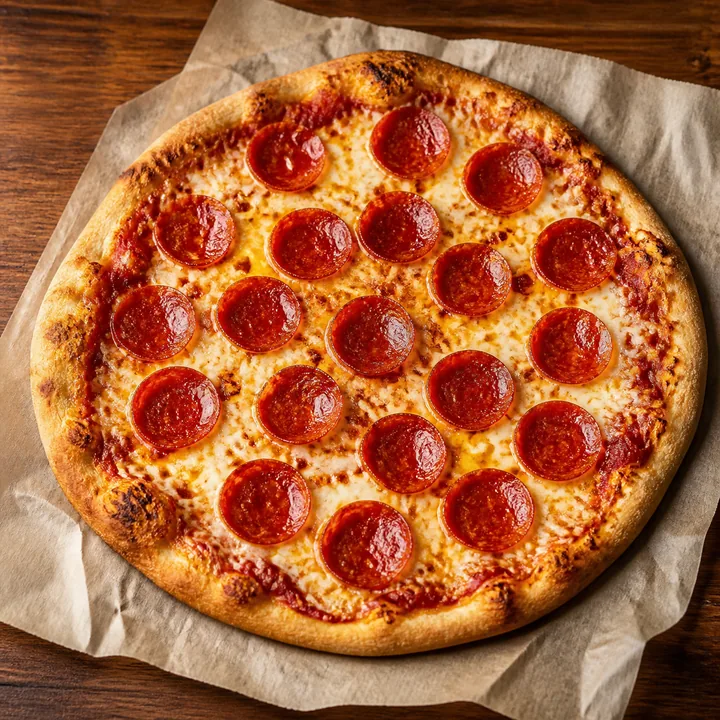
Customer experience
Scan the QR code assigned to a table, bar, section, or pickup area.
Explore categories, products, descriptions, prices, and available options.
Select in-store, pickup, or delivery when those options are enabled.
Review the cart and select a suggested or custom tip.
Complete a secure online card payment.
The paid order reaches the Kitchen View and moves through preparation.
After payment, the customer receives the essential order information and payment receipt by email.
Orders View + Kitchen View
Your team receives orders in real time, understands what must be prepared, and updates every order through a clear fulfillment workflow.
NEW
Brownie · Milkshake
Pickup
Update statusPREPARING
Dessert Combo
In Store
Update statusREADY
Brownie · Milkshake
Delivery
Update statusDELIVERED
Dessert Combo
Pickup
Update statusPayments
Universo POS integrates with Strictly Zero to support secure online credit card payments and payment links for orders that will be paid later.
Allow customers to complete and pay for their orders directly through the digital storefront.
Create future orders and send customers a payment link so the order can be paid at the appropriate time.
Future order
Saturday · 6:30 PM · Pickup
Payment availability and configuration may depend on the business account and payment setup.
Connected ecosystem
Universo POS is designed as a natural extension of VANX Universo, reducing duplicate data entry and keeping commercial and operational information connected.
Products already available in VANX Universo can appear in the POS without being entered again.
Maintain consistent product organization across the business ecosystem.
Customers placing orders can be registered for reporting, commercial analysis, and future business strategies.
Connect vendors used by the POS with vendor records already managed in the CRM.
Inventory
The POS checks product availability before completing a sale and helps the team identify products that need attention.
Every sale is checked against current inventory before it is confirmed.
Unavailable products are automatically blocked from the ordering flow.
Low-stock alerts help your team restock before products run out.
Track stock levels per product and per selling location independently.
Keep your team informed and your customers satisfied with accurate availability.
Built for modern commerce

Manage menu items, tips, customer ordering, kitchen preparation, pickup, and delivery workflows.
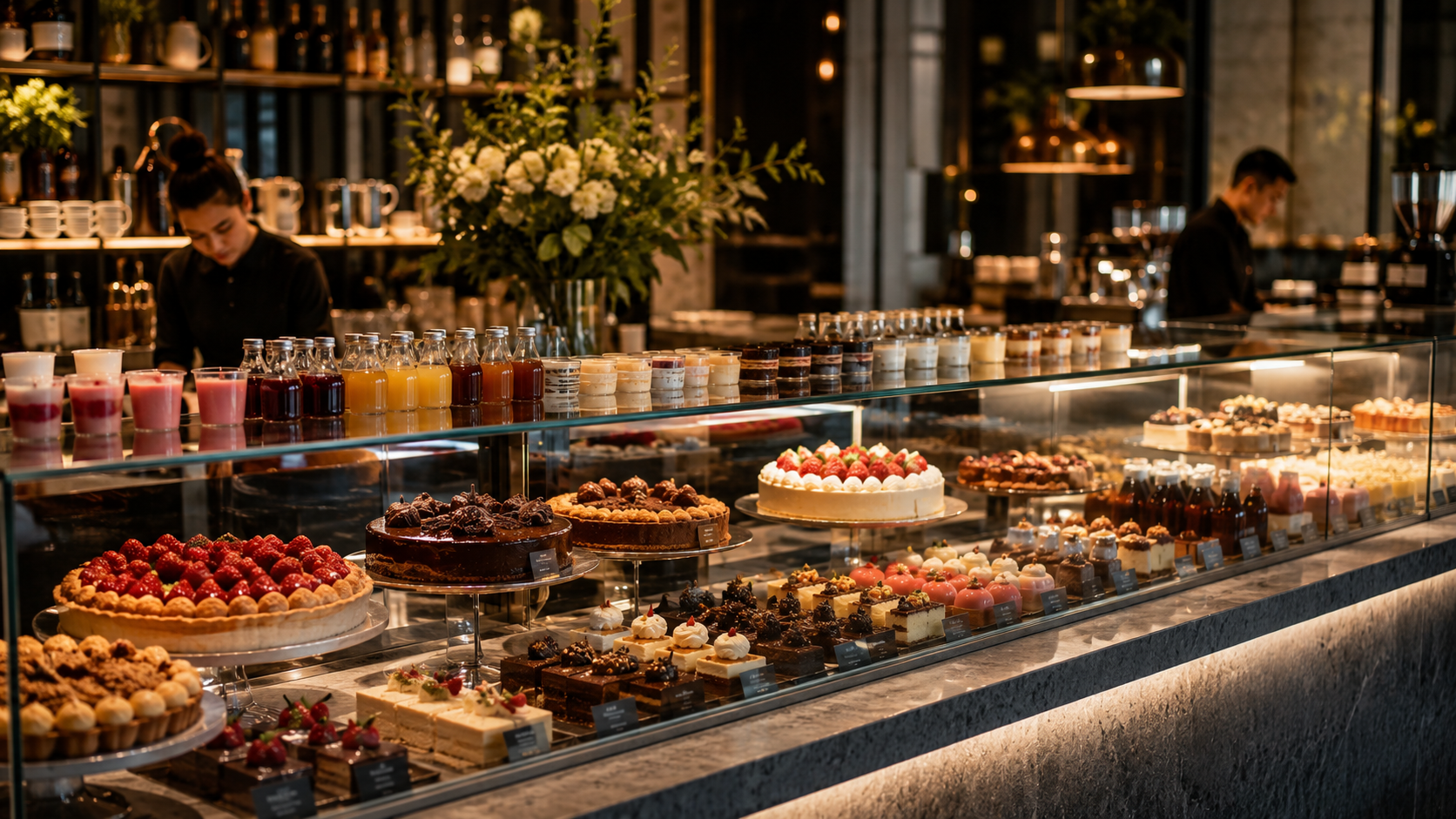
Sell products through physical locations, events, and QR-powered storefronts.

Create temporary locations, define selling windows, organize service sections, and stop sales when the event ends.

Use locations, product catalogs, payments, customers, vendors, and stock control for physical product sales.
Why VANX Universo POS
POS, CRM, products, categories, customers, vendors, and inventory work inside the VANX Universo ecosystem.
Support permanent stores, temporary events, food stands, fairs, festivals, pop-ups, and service areas.
Customers can browse, order, tip, and pay from a mobile storefront accessed through QR codes.
Teams can see incoming orders, preparation status, payment state, and inventory availability.
Get started
See how VANX Universo POS can help your business manage physical sales, digital ordering, kitchen operations, payments, products, and inventory with greater control.
Built for growing businesses that sell in stores, at events, and through QR-powered experiences.